Team planning,
simplified.
What's the team focused on? Who has too much on their plate?
Where can they go next? Sorsia answers all of these questions and more,
then builds your presentation-ready plan.
Get started in minutes
Add your projects, add your team.
Add your projects, then bring your people in - with their roles, availability and strengths. That's the foundation everything else builds on.
#W7K3R9
Rebuild and relaunch the company marketing site - new design system and a faster front end.
The question every lead is asked
"Who has capacity?"
Sorsia shows every person's load against their capacity in real time, so you can see who's stretched and who's free at a glance. Or let smart auto-assign allocate work by strengths and availability. Add financials and you have the complete picture.
From brief to balanced plan
Everything you need to manage your team,
in the order you actually work.
Build the plan, or let AI draft it
Add tasks with dates, effort and priority, and break them into activities with their own owners and progress. Dependencies keep everything in order.
✦ Paste a brief and Sorsia generates the full task list. Import from Excel, CSV or Word.
Your team, across every project
Add your team manually or invite by email, then set their role, availability, day rate and key strengths. View as a list or a reporting org chart for the complete overview.
Every profile shows capacity, current utilisation, and everything they're working on - so "who's free?" is a view, not a guess.
Assign work without overloading anyone
See each person's load against capacity, with over-capacity flags the moment they appear.
Auto-assign hands work to the best-available person and balances the team for you.
A timeline that knows who's doing what
Switch between a project timeline and a per-task view - both update automatically and are export ready.
When they ask, you're ready
One click turns your plan into a polished PowerPoint timeline or a clean Excel sheet. The plan you work in is the plan you present.
 Export
 Export
On your desktop, in your pocket.
Sorsia works wherever you do.
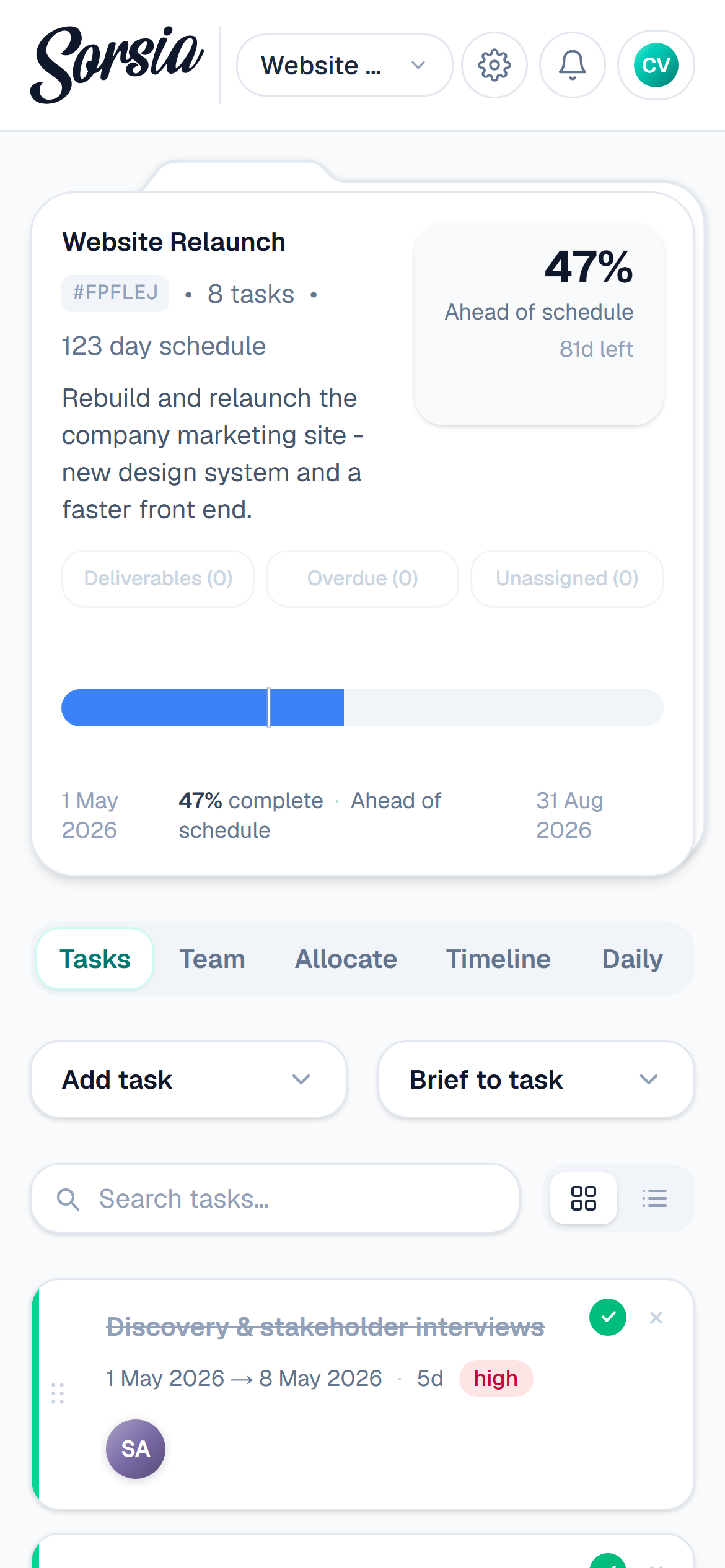
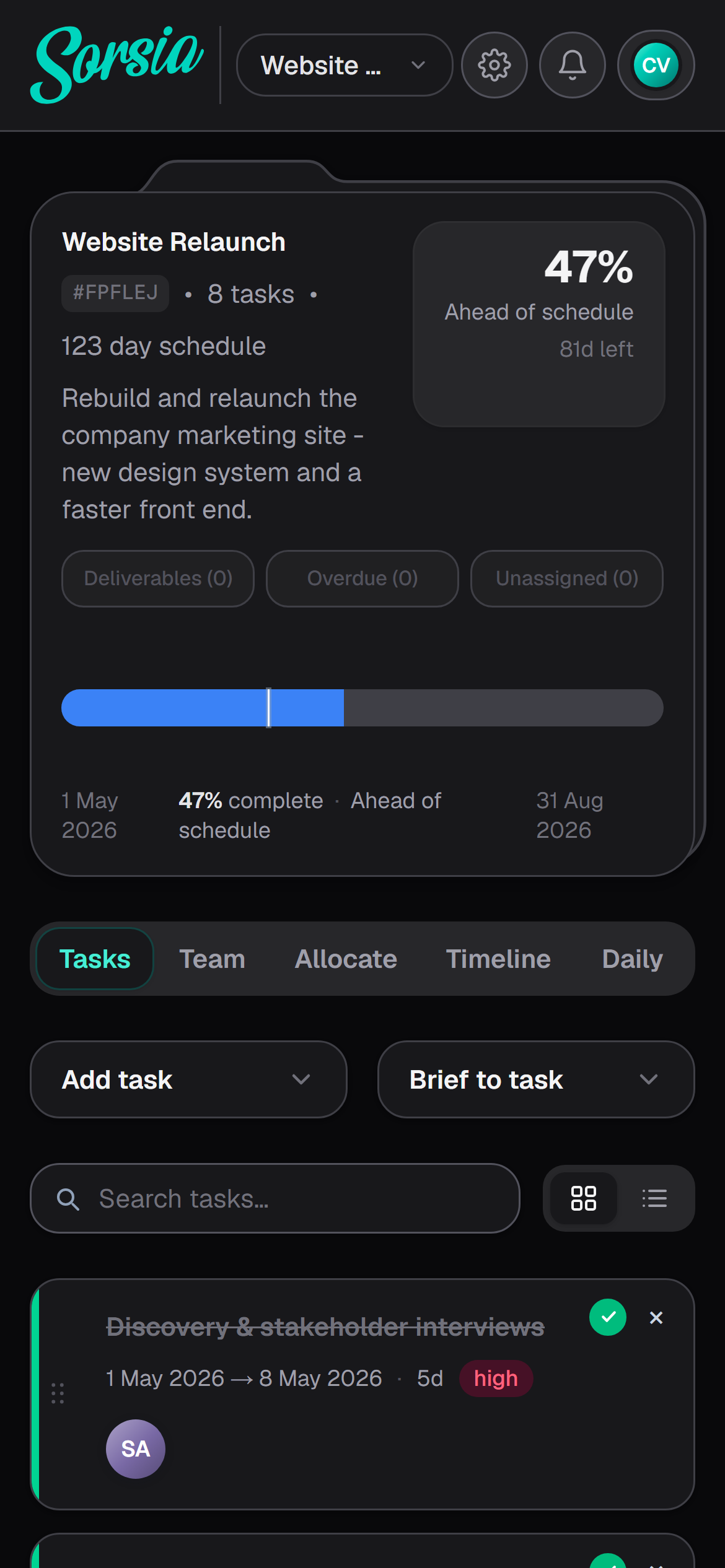
Full-featured on both desktop and mobile.
Team planning, simplified.
Sign up now